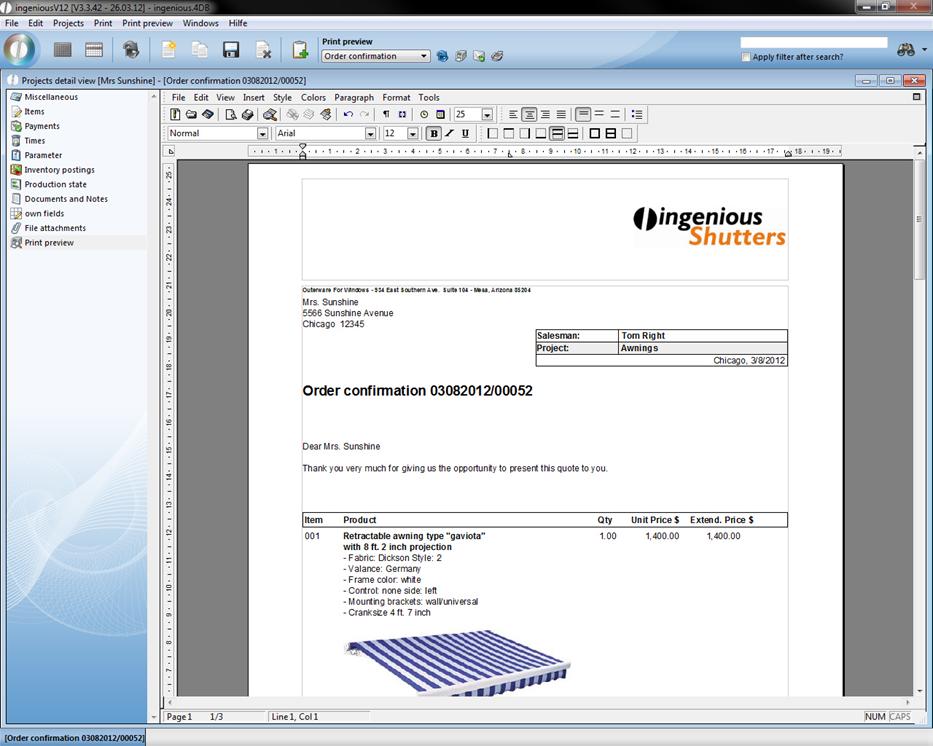
You have two possibilities available to you to print a project document.
Quick printing
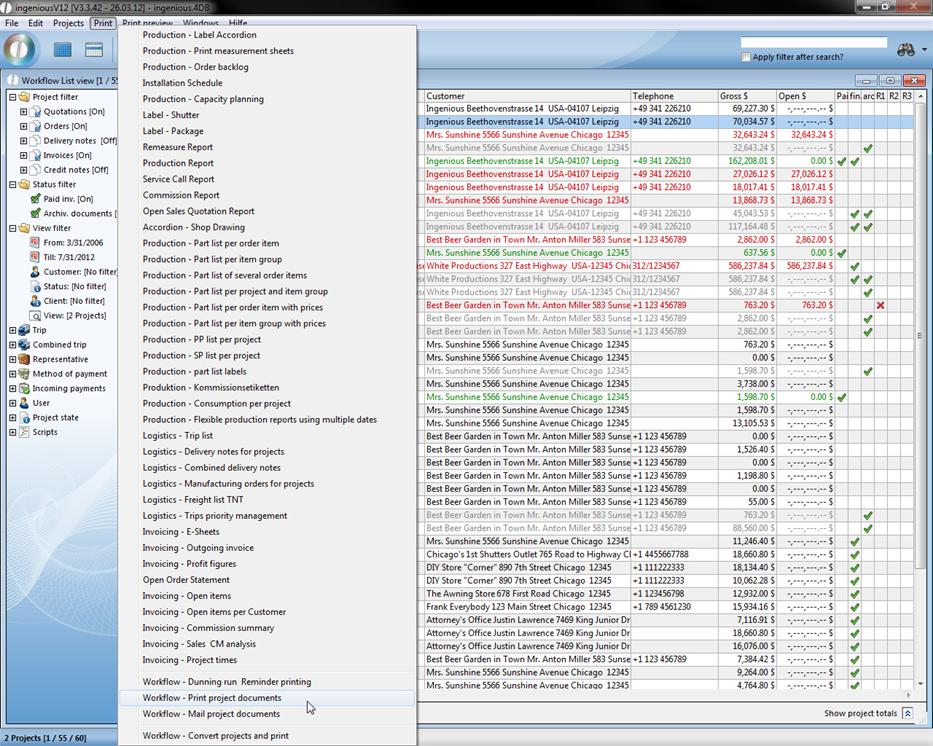
With quick print, you can do without additional Modification of the document. In the list or detail view, select the option, “Workflow - Print project documents” in the “Print” menu. Using the window that appears, select the option that would like to only print the current record. The document will be sent to the standard printer that has been setup in the system, or to the printer designated in the program settings.
Printing with integrated text Modification: Print preview
In the item texts, you can make arbitrary formatting and even insert pictures of items. In order to be able to add these to the document, you must select the RTF format in the project parameters (Pos text origin) or select print in the program settings. With the refresh button  , you can generate the finished document and the document template is already set. You have the possibility to individually change the document with the help of different text tools. Print the document no by clicking on the print icon and confirm the dialog that appears.